
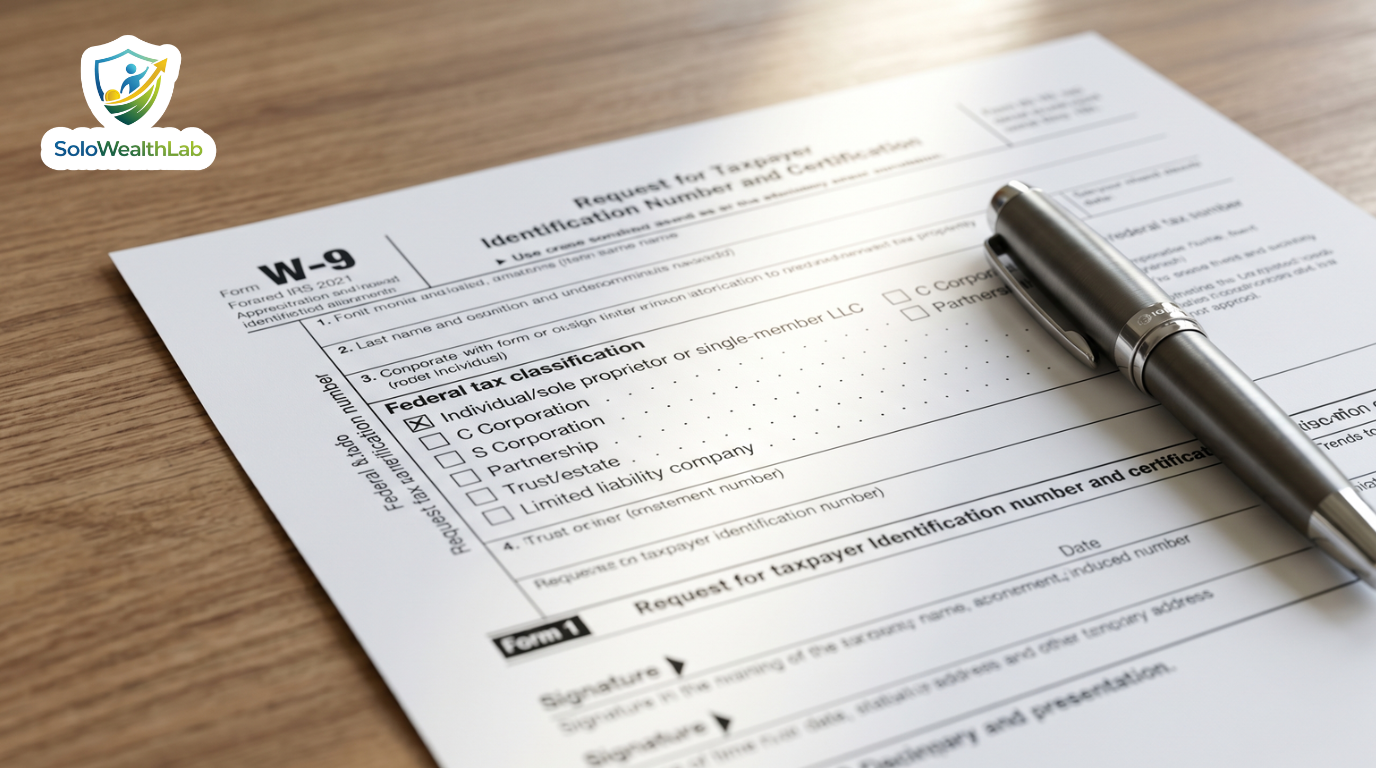
Every time you land a new US corporate client, they will ask you for one thing before they pay your first invoice: An IRS Form W-9.
For independent contractors, freelancers, and single-member LLCs, this simple one-page form causes massive anxiety. Checking the wrong box on Line 3 or using the wrong tax ID can lead to backup withholding, where the client is legally forced to hold back 24% of your paycheck for the IRS.
This guide provides a crystal-clear, line-by-line walkthrough on exactly how to fill out a W-9 as an independent contractor, ensuring you get paid on time and stay compliant with ever-changing tax laws.
- Internal Document: Form W-9 is used by clients to collect your official tax information so they can issue you a 1099-NEC at the end of the year.
- Line 1 vs Line 2: For Sole Proprietors and Single-Member LLCs, you must enter your personal name on Line 1 and check the first box on Line 3.
- The LLC Trap: Single-Member LLCs should not check the “Limited liability company” box on Line 3, as they are considered disregarded entities by the IRS.
- Security First: Never email an unencrypted W-9 containing your Social Security Number. Always use a secure client portal or password-protected file.
In This Guide
- What is a W-9? (And Why Do Clients Need It?)
- Step-by-Step: Filling Out the W-9 as a Freelancer
- Part I: Taxpayer Identification Number (TIN)
- Part II: Certification
- When Should You Refuse to Provide a W-9?
- W-9 vs W-4 vs 1099-NEC: What’s the Difference?
- What to Do If You Make a Mistake on Your W-9
- How to Securely Send Your W-9
- Frequently Asked Questions (FAQ)
What is a W-9? (And Why Do Clients Need It?)
Form W-9 (officially the Request for Taxpayer Identification Number and Certification) is an internal document used heavily in the US business-to-business landscape. Despite having the IRS logo on it, you do not send this form to the IRS. You send it directly to your client’s accounting or human resources department.
In the US, if a business pays an independent contractor more than $600 in a calendar year, they are legally required to report that expense to the IRS by issuing you a 1099-NEC (Nonemployee Compensation) at tax time. To generate that 1099 accurately, they need your official business name, address, and Taxpayer Identification Number (TIN). The W-9 is the official, standardized vehicle that provides them with this information.
If you fail to provide a properly completed W-9, your client cannot legally pay your invoice without enacting “backup withholding.” Backup withholding means the client must deduct 24% of your gross invoice amount and send it directly to the IRS as a preemptive tax payment. Getting this form right ensures you receive 100% of your hard-earned freelance rate and maintain positive cash flow.
Step-by-Step: Filling Out the W-9 as a Freelancer
Grab a blank copy of the newest W-9 from IRS.gov, and let’s go through it line-by-line based on your business structure. Whether you are a sole proprietor just starting out or an established LLC, these specific instructions will keep you out of trouble.
Line 1: Name (As shown on your income tax return)
This is the most critical line and where a significant number of mistakes happen. You must enter the exact name that is attached to your federal tax return.
- If you are a Sole Proprietor: Enter your legal first and last name. Do not put your brand name or a made-up business name here.
- If you are a Single-Member LLC: You still enter your personal first and last name here. Because a single-member LLC is a “disregarded entity” by the IRS, the business taxes pass straight through to your personal tax return (Form 1040). The IRS matches the TIN to the individual name on this line.
- If you are an S-Corp or C-Corp: Enter the legal corporate name as it appears on the corporate charter or your business tax return.
Line 2: Business Name / Disregarded Entity Name
This line is optional but incredibly helpful for clarity, especially if your clients know you by a brand name rather than your legal name.
- If you operate under a registered “Doing Business As” (DBA) or Fictitious Business Name, enter it here.
- If you have a Single-Member LLC name (e.g., “Jane Doe Consulting LLC”), enter it here. This helps the client’s accounting software match their invoice records to your legal name.
- If you simply use your legal name for everything and do not have an LLC or DBA, leave Line 2 completely blank.
Line 3: Federal Tax Classification (The Trickiest Box)
This is where 90% of US freelancers make a mistake that causes accounting headaches. You must check exactly ONE box to tell the client (and the IRS) how your business is taxed.
- Sole Proprietors: Check the first box: “Individual/sole proprietor or single-member LLC.”
- Single-Member LLCs: You ALSO check the first box: “Individual/sole proprietor or single-member LLC.” Do not check the “Limited liability company” box. The IRS explicitly states in the form’s instructions that single-member LLCs must check the first box because they are disregarded entities. Checking the LLC box as a single-member LLC will cause an instant TIN mismatch in the IRS database.
- Multi-Member LLCs: If your LLC has more than one owner and is taxed as a partnership, check the “Limited liability company” box and enter “P” for Partnership in the adjacent space.
- S-Corps / C-Corps: Check the respective C Corporation or S Corporation box. If your LLC has actively elected S-Corp status by filing Form 2553, check the LLC box and enter “S”.
Line 4: Exemptions
As an individual independent contractor, sole proprietor, or single-member LLC, you will almost always leave this section blank. Exemptions from backup withholding typically apply to massive corporations, government entities, or specific types of financial institutions. Freelancers do not have exempt payee codes.
Lines 5 & 6: Address, City, State, and ZIP Code
Enter the mailing address where you want to receive your tax documents (specifically, your physical 1099-NEC at the end of January next year).
Privacy Tip: If you work from home and do not want to hand out your personal residential address to every client on the internet, you can use a P.O. Box, a registered agent address, or a virtual business address. Just ensure it is a reliable, permanent address where you can receive official government and business mail securely.
Line 7: Account Numbers
This line is entirely optional. Some large vendors use it to list the account or vendor profile number the client has internally assigned to them. For the vast majority of independent contractors, you can simply leave this blank.
Part I: Taxpayer Identification Number (TIN)
You must provide a Taxpayer Identification Number (TIN). This is the nine-digit number the IRS uses to track your business income and tax obligations.
For Sole Proprietors: You can enter your Social Security Number (SSN). However, to protect against identity theft, you can easily apply for a free Employer Identification Number (EIN) from the IRS website in about five minutes. Once you have an EIN, you can enter it in the right-side boxes. While the IRS notes they prefer your SSN if you are a sole proprietor, an EIN is perfectly acceptable and much safer to distribute.
For Single-Member LLCs: The IRS instructions clearly state that you should enter the owner’s SSN (or the personal EIN of the owner, if the owner has one). Do not enter the EIN of the disregarded entity (the LLC itself). This rule is highly counterintuitive, but because a single-member LLC is disregarded for federal tax purposes, the IRS tracks the income via the individual’s SSN or the individual’s personal EIN.
For S-Corps, C-Corps, and Partnerships: Always enter the entity’s EIN.
Part II: Certification
The final step is to sign and date the form. Read the certification paragraph carefully. By signing, you are legally confirming under penalties of perjury that:
- The TIN you provided is correct (or you are waiting for a number to be issued).
- You are not subject to backup withholding (either because you are exempt, you haven’t been notified by the IRS that you are subject to it, or the IRS has notified you that you are no longer subject to it).
- You are a US citizen or other US person.
- The FATCA code(s) entered on this form (if any) indicating that you are exempt from FATCA reporting is correct.
You can sign the form physically with a pen and scan it, or use a compliant digital signature tool like DocuSign, HelloSign, or Adobe Acrobat. Be aware that simply typing your name in a PDF field without a cryptographic digital signature certificate is frequently rejected by strict corporate accounting departments.
When Should You Refuse to Provide a W-9?
While handing over a W-9 is a standard, expected part of freelance onboarding, there are specific scenarios where you should push back or ask questions:
- The client is an individual, not a business: If you are painting a private residence or designing wedding invitations for a couple, they do not need a W-9. Only businesses that plan to deduct your fee as a business expense on their taxes need to issue 1099s.
- The payment is far under $600 for the year: If it’s a small, one-off project for $150 and you know you won’t work with them again, a W-9 is not strictly necessary for IRS reporting. However, many accounting departments require one for all vendors as a blanket policy, just in case total payments exceed the $600 threshold later.
- You are being treated like an employee: If a company dictates your exact working hours, provides your laptop and equipment, and heavily controls how the work is executed, you might be a misclassified employee. In that case, you should be filling out a W-4 for payroll taxes, not a W-9 for independent contractor status.
W-9 vs W-4 vs 1099-NEC: What’s the Difference?
The alphabet soup of IRS tax forms can be incredibly confusing for new business owners. Here is exactly how they all fit together in the freelance ecosystem:
- Form W-9: The form you (the contractor) fill out and give to the client at the start of a project. It provides your tax ID so they can set you up in their accounting system.
- Form W-4: The form an employee fills out for an employer. If you are a true independent contractor, you should never fill out a W-4. W-4s dictate how much income tax to withhold from a standard W-2 paycheck.
- Form 1099-NEC: The form the client sends to you (and the IRS) at the end of the year (by January 31st), summarizing exactly how much gross income they paid you during the previous tax year. You use this to calculate your tax deductions and file your personal return.
What to Do If You Make a Mistake on Your W-9
If you realize you made an error on a W-9 you already submitted—such as checking the “Limited liability company” box when you are a single-member LLC, or writing down a digit of your EIN incorrectly—do not panic.
Simply download a fresh W-9, fill it out correctly, sign it with the current date, and send it to your client’s point of contact. Include a brief note stating, “Please find my updated W-9 attached for your records. I noticed an administrative error on the previous version, so please delete the old file and use this one moving forward.”
Accounting departments deal with updated vendor information constantly. It is much better to correct the form in July than to deal with a TIN mismatch notice from the IRS the following February.
How to Securely Send Your W-9
A completed W-9 contains your full legal name, your physical address, and either your Social Security Number or your EIN. In the wrong hands, this document is a goldmine for identity thieves.
Never email a W-9 as a plain PDF attachment. Standard email is unencrypted, meaning it can easily be intercepted by malicious actors or linger in an unsecured inbox for years.
Instead, protect your business by using these secure methods:
- Client Portals: Upload it directly to the client’s secure vendor management system or payroll software (like Gusto, Deel, or Bill.com).
- Encrypted Services: Send it via an encrypted link using cloud services like Dropbox or Google Drive (ensuring access is restricted to specific email addresses), or use secure document transfer services.
- Password Protection: If you absolutely must email it, add password protection to the PDF document. Send the PDF via email, and send the password to the client via a completely different channel (like a text message, Slack, or a separate email thread).
- Fax: Believe it or not, faxing is still considered a highly secure, point-to-point transmission method by many legacy businesses, healthcare organizations, and government agencies.
Frequently Asked Questions (FAQ)
Do I need to fill out a W-9 every year?
No, you generally only need to fill out a W-9 once per client when you begin your working relationship. You only need to submit a new W-9 if your business name, address, or tax entity classification changes (for example, if you switch from a sole proprietor to an S-Corp, or move to a new state).
What happens if I check the wrong box on Line 3?
If you check the wrong box, especially checking “LLC” when you are a single-member LLC, the client’s accounting software might kick back an error when verifying your TIN with the IRS system. They will likely contact you to fill out a new form. Repeated mismatch errors can lead to forced 24% backup withholding on your payments.
Should I use an SSN or an EIN on my W-9?
To protect your personal identity, it is highly recommended that independent contractors apply for a free Employer Identification Number (EIN) from the IRS and use that on their W-9s instead of their Social Security Number. However, both are legally acceptable for sole proprietors and single-member LLCs.
Can a foreign contractor fill out a W-9?
No. Form W-9 is strictly for US citizens and resident aliens. If you are a non-US person working from outside the US for a US client, you need to fill out Form W-8BEN (for individuals) or W-8BEN-E (for entities), which certifies your foreign status and exempts you from standard US tax reporting.
Do I need to sign the W-9 if I email it?
Yes. The W-9 requires a signature under penalties of perjury. If you are emailing it, you can use a verified digital signature service like DocuSign, or physically sign it with a pen and scan it. Simply typing your name in the signature box is generally not considered legally binding by most accounting departments.
Now that your W-9 is filed and your client is ready to pay your invoice, make sure your finances are structured correctly. Check out our guide on How to Pay Yourself as an LLC to ensure you aren’t making critical payroll and draw mistakes, and read up on how to handle quarterly estimated taxes.